
Web and E-Commerce Solutions
Helping customers decide on an e-commerce product page
A good product page helps customers understand the product and resolve uncertainties before placing an order.
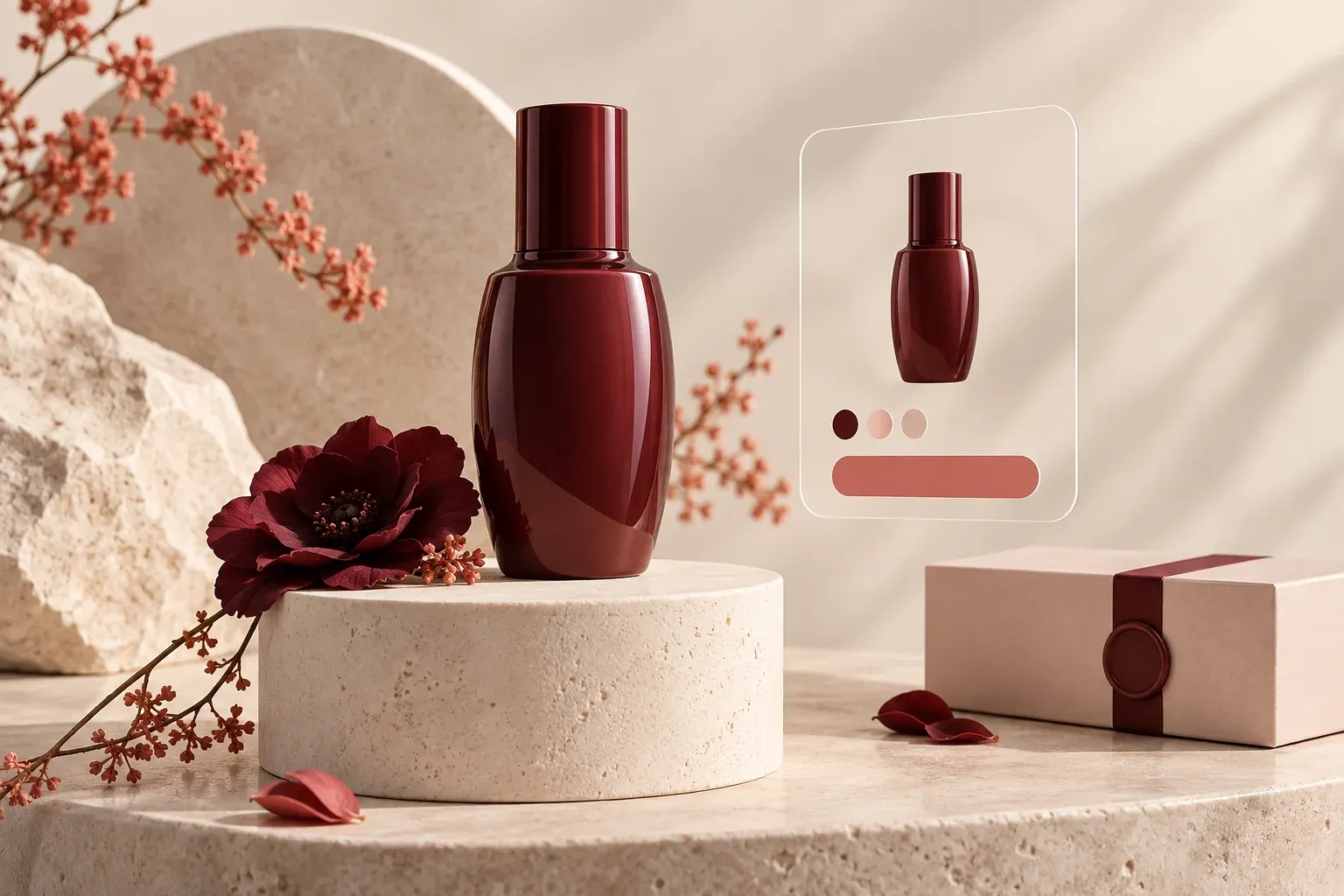
An e-commerce product page is where visitors evaluate the product and order conditions before deciding to buy. Even if advertising brings the right person, missing dimensions, usage details or delivery information make the decision harder. The most useful question when starting product page optimisation is: which information must the customer be sure of here to place an order?
Consider the product title and description together
The title should clearly explain what the product is and what distinguishes it. The description should add usage context rather than repeat the same words. Depending on the product, information about materials, dimensions, compatibility, box contents and care should be visible.
For example, alongside “modern design”, a desk needs dimensions, load capacity if verified, materials and assembly information. Explaining who the product may not suit can also reduce incorrect expectations. Verify technical specifications against manufacturer information; do not ask AI to guess missing data.
Make images help the decision
The main image should show the product clearly, while other images answer different questions. A close-up can explain material, a usage scene can show scale and a dimension drawing can explain placement. Use informative images instead of a gallery of slightly different views of the same angle.
Keep images consistent with colour and variant selections. Illustrative or AI-generated scenes should not change the real product’s features. An image that creates a misleading expectation of its shape, texture or dimensions is not a good presentation.
Bring order conditions closer to the decision
Price, stock for the selected variant, delivery expectations and shipping information should be easy to find. Access to return conditions should be clear. Leaving all this information until checkout can cause users to evaluate the product with incomplete information.
Show clearly what happens after adding an item to the basket. Was it added, is the selected size correct and can shopping continue? Check that this feedback is visible, especially on mobile.
Keep technical product data consistent
Google’s product structured data guide explains how product information can become eligible for richer presentation in search results. Adding suitable data does not guarantee the appearance. Prices and stock shown on the page must match the marked-up information.
If product copy, stock systems and any product feed are managed from different sources, check the update workflow. Technical markup does not replace missing product information; it helps present existing information clearly.
Measure a specific change meaningfully
Start with a product group that is visited frequently but does not turn the expected interest into orders. First distinguish whether the issue is missing information, price, stock or traffic quality. Then evaluate a particular change, such as the description or image layout.
Do not attribute a short-term sales difference directly to design: campaign and stock changes can affect results. You can review your e-commerce experience with Tigur, from product data to the mobile purchase journey.
Related articles

Web and E-Commerce Solutions
Speed and usability on a mobile-friendly website
Mobile friendliness goes beyond fitting a page onto a small screen. Visitors need to complete their main task comfortably.

Digital Marketing Solutions
Where to start with SEO in the age of AI
As search evolves, businesses still need to give trustworthy answers to the right questions and make those answers accessible.